

- Wispr Flow is an AI-powered dictation tool that supports high accuracy in speech-to-text conversion and can be used in various applications without being tied to specific platforms.
- The tool offers advanced features such as real-time editing, multi-language support and voice editing command mode, which significantly improves productivity for professionals.
- With flexible pricing options including a free version and a two-week trial for the Pro version, Wispr Flow is positioned as a worthwhile investment for people looking to improve their dictation experience.
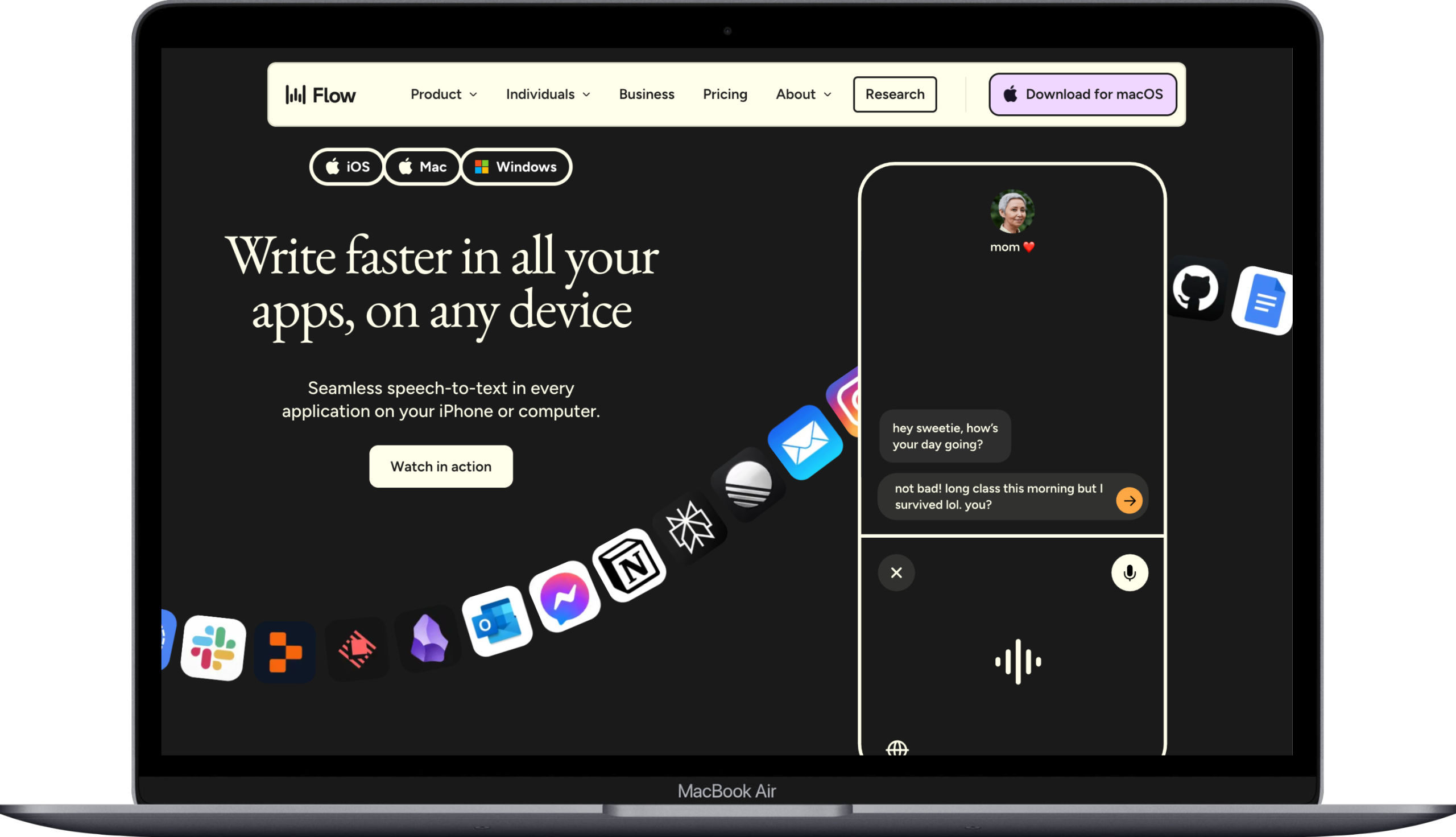
Wispr Flow is an AI dictation tool designed to improve speech-to-text accuracy. Aimed at professionals, teams and businesses, it aims to improve productivity through efficient voice input. The tool promises to convert spoken words into structured, polished text with high precision, with very high accuracy and no observed transcription errors.
One of the standout features of Wispr Flow is its versatility. Unlike other dictation tools that are tied to specific apps or ecosystems, Wispr Flow can be used in any text field, making it a highly customizable tool for different applications. The tool uses natural language processing and real-time automatic editing to provide a seamless user experience, allowing users to quickly execute their ideas through voice input.
We would like to put Wispr Flow to the test with these bold claims. Can it really deliver on its promises? We’ll explore its features, installation process, and real-world performance to find out.
Setting up Wispr Flow is easy whether you’re using a desktop or iOS platform. I’m a Mac guy and have it set up on my iPhone, iPad, iMac and Macbook.
The process is designed to be simple, but does require ongoing cloud connectivity to function optimally. During installation, users can customize their keyboard shortcut and change settings such as automatic formatting, tailoring the tool to their specific needs.
One of the useful features of the installation is a floating toolbar, which can be hidden if deemed unnecessary. This ensures a clear workplace. Plus, activating hands-free mode is as simple as pressing the hotkey and space bar, allowing uninterrupted dictation. With these tools, you’ll be ready to start talking and dictating with ease.
But how does this all come together in practice? As we progress, we will explore design and user interface, which play a crucial role in the overall user experience.
Wispr Flow’s design was created to provide an intuitive experience, making it easier for users to navigate. The app interface is not only durable and ensures consistent performance even under heavy use, but also features a modern and minimalist aesthetic that matches current digital design trends, making it a great example of the basics of flow.
Functionality is paramount in the design of Wispr Flow. The tool automatically formats text to maintain clarity and coherence while dictating, making it easier for users to produce polished text without the need for extensive manual editing. This thoughtful design ensures that users can focus on their content, rather than being bogged down by formatting issues.
Wispr Flow offers a range of advanced features and professional features that set it apart from other voice dictation tools. Chief among these are the AI-powered real-time editing, multi-language support, and command mode for voice-based editing. These features aim to optimize transcription and formatting latency to less than 200ms, improving the overall user experience with an AI-powered dictation tool.
We will evaluate the performance of these advanced features and explore how they help make Wispr Flow a game changer in AI-powered dictation tools.
One of the standout advanced features of Wispr Flow is its AI-powered real-time editing. Important aspects include:
- The tool uses advanced AI algorithms to filter out filler words, enabling smoother dictation processes.
- It’s especially useful for professionals who want to quickly produce clear, polished text.
- The software adapts smoothly to corrections, improving overall dictation efficiency with automatic edits.
- Users can start dictating by pressing and holding a special hotkey, making it easy to start and stop when necessary.
However, real-world use revealed some challenges. While the AI is adept at filtering filler words and making quick edits, it occasionally struggles with complex sentence structures and tricky phrasing. Despite these minor hiccups, the overall performance in context-aware real-life scenarios is impressive.
Wispr Flow’s multi-language support is another advanced feature that sets it apart:
- The tool supports more than 100 languages.
- Users can switch languages effortlessly.
- This feature is especially useful for a global team and multilingual users who need to communicate seamlessly in multiple languages.
The tool is surprisingly accurate with a wide range of accents and adapts to the user’s speech patterns. This makes it a versatile option for users from different language backgrounds, allowing everyone to benefit from its advanced unlimited dictation capabilities.
Command Mode is a game-changer for those who rely heavily on voice editing. This feature integrates voice commands that allow users to effortlessly change text and tone in editing command mode. For example, users can annotate highlighted text with commands like “make this friendlier” or “convert this to bullets.”
Creating spoken shortcuts for frequently used phrases further improves efficiency. This allows users to quickly dictate and edit text, significantly increasing productivity. Mastering Command Mode takes some practice, however, as it involves learning specific voice commands.
Despite the learning curve, the benefits of this feature in real-world scenarios are undeniable. Command mode really takes Wispr Flow from a simple dictation tool to a powerful voice-based editing solution.
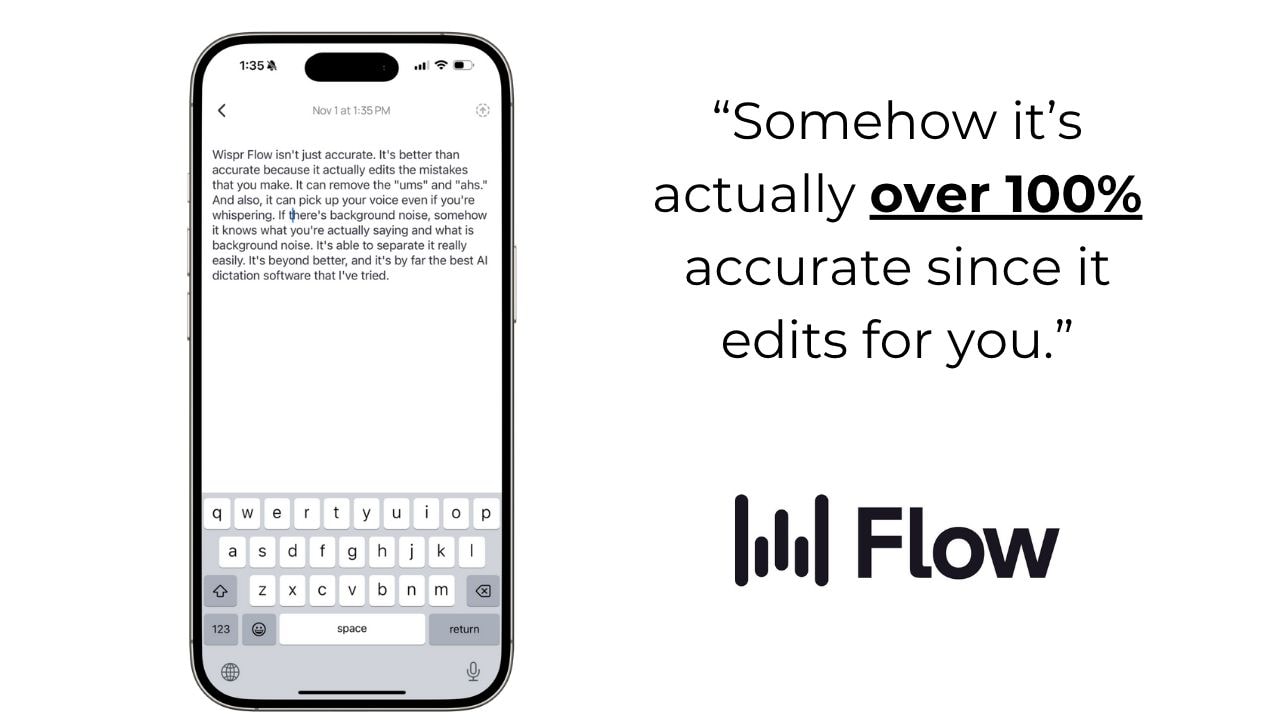
Putting Wispr Flow to the test in real-world scenarios reveals its true potential. The application integrates seamlessly with various other software, improving its overall functionality. Whether dictating emails, feedback or updates, Wispr Flow allows users to produce clear written text effortlessly.
The main benefit of using Wispr Flow for writing is that it saves time and improves dictation efficiency. This is especially apparent when you respond quickly to messages, compose emails, or make changes quickly. Users experience an accelerated writing process and improved quality, making Wispr Flow a valuable addition to their workflow.
Wispr Flow significantly improves individual productivity by providing convenience for voice-based editing, reducing typing time on the computer. The tool is designed for faster communication and voice documentation, making it an invaluable asset in professional environments.
However, in a team context, Wispr Flow has its limitations. It cannot perform tasks without human intervention, which may be a disadvantage for some users. Nevertheless, the tool excels at generating client-ready reports in minutes and assisting in dictating legal documents such as contracts and case notes using team management tools, Flow Enterprise, the business plan and a team plan.
Wispr Flow proves to be a powerful tool for increasing productivity, especially for individuals who want to produce high-quality, polished writing quickly with Flow Pro. It’s a no-brainer message.
Dealing with specialized terminology can be a challenge for any dictation tool, and Wispr Flow is no exception. While it excels in many areas, it sometimes struggles to accurately convey complex jargon. This can be a limitation for users in highly specialized fields.
However, Wispr Flow learns phrases, acronyms, and customer names over time, improving accuracy over long-term use. Users can also create a personal dictionary for tricky names and slang, further improving transcription accuracy. This adaptability makes Wispr Flow a valuable tool for long-term use.
Wispr Flow offers clear and flexible price levels, making it good value for money:
- The Pro version costs $12 per month, with a 20% discount for annual payments.
- The free tier allows for 2,000 words per week, which is enough for basic needs and meets the weekly word limit.
- Wispr Flow offers a two-week free trial for the Pro version so that users can thoroughly evaluate its features before committing to a free trial.
Compared to alternatives, Wispr Flow distinguishes itself through unique features and flexible pricing. While some dictation tools such as VoiceInk and Superwhisper offer different pricing models and focus on specific aspects such as local data processing for privacy, the main differences are that Wispr Flow offers a comprehensive solution for a wide range of users.
Ultimately, the overall rating of 4.5 out of 5 reflects a high level of user satisfaction. While it may not be practical for everyone for everyday use, its advanced features and flexibility make Wispr Flow a worthwhile investment for those looking to improve their dictation capabilities.
Wispr Flow stands out as a powerful AI-powered dictation tool designed to improve productivity in various professional and personal environments. Its advanced features, including real-time editing, multi-language support and command mode for voice editing, make it a versatile and efficient tool for converting speech into polished text. The installation process is simple and the sleek, user-friendly design makes for a seamless experience.
Although Wispr Flow has some limitations, such as dealing with complex jargon and requiring cloud connectivity, its advantages far outweigh these disadvantages. With flexible pricing options and high user satisfaction, Wispr Flow is a worthwhile investment for anyone looking to increase productivity through efficient speech-to-text capabilities. If you’re ready to take your dictation to the next level, Wispr Flow is worth a try.
#Wispr #Flow #Review #tested #Wispr #Flow #amazed