

This is the psychology and craft of designing for latency.
The psychology: why a blank screen is a crisis
A human brain faced with uncertainty falls into a negative bias. An unacknowledged wait causes a cascade of destructive thoughts:
- “Is it broken?” (Loss of confidence)
- “Is it my fault?” (Doubt user)
- “How long is this going to take?” (Tension)
- “I should leave.” (Abandonment)
A well-designed indicator intercepts this cascade. It provides certainty, creates expectations and keeps the mind busy. It transforms a passive, frustrating pause into an active, controlled expectation.
The toolkit: choosing the right indicator
The choice of indicator is a direct communication about the nature and duration of the waiting time.
1. The indefinite charger (spinner, pulse)
- Best for: Very short wait times (less than 2-3 seconds), where the duration is unknown or variable.
- Psychology: “Something’s happening. Please wait.” It acknowledges action, but offers no timeline.
- The craft: After 3 seconds the fear increases sharply. An indeterminate spinner must either resolve or transition to a particular indicator. A spinner that spins for 10 seconds is an admission of poor planning.
- Example: GitHub’s pulsating placeholder when saving a one-line comment.
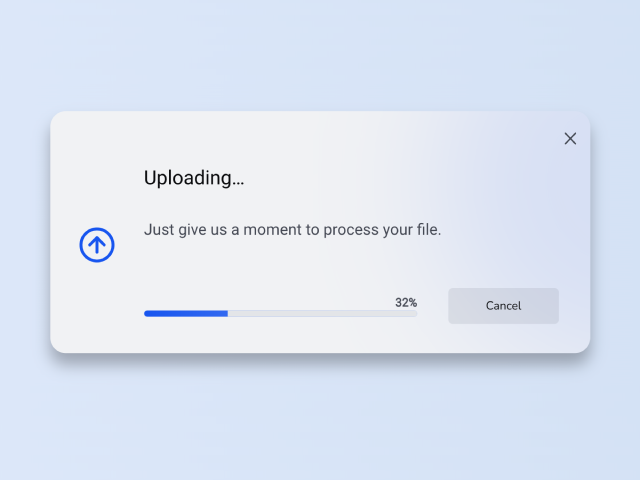
2. The certain progress bar
- Best for: Known duration (file uploads, installations, multi-step processes).
- Psychology: “We know how long this will last and we are transparent with you.” It is the ultimate tool for managing expectations.
- The craft:
- Never lie: The beam should move forward reliably. A bar that jumps forward or sticks permanently destroys confidence.
- The ‘ease-out’ illusion: Start the bar’s movement quickly to give an early sense of momentum, then slow it down as it approaches 100%. This uses the peak-end rule—users rate the experience based on the peak (quick start) and the end (smooth completion).
- To add a label: “3 out of 5 files uploaded” is infinitely more reassuring than just a moving bar.
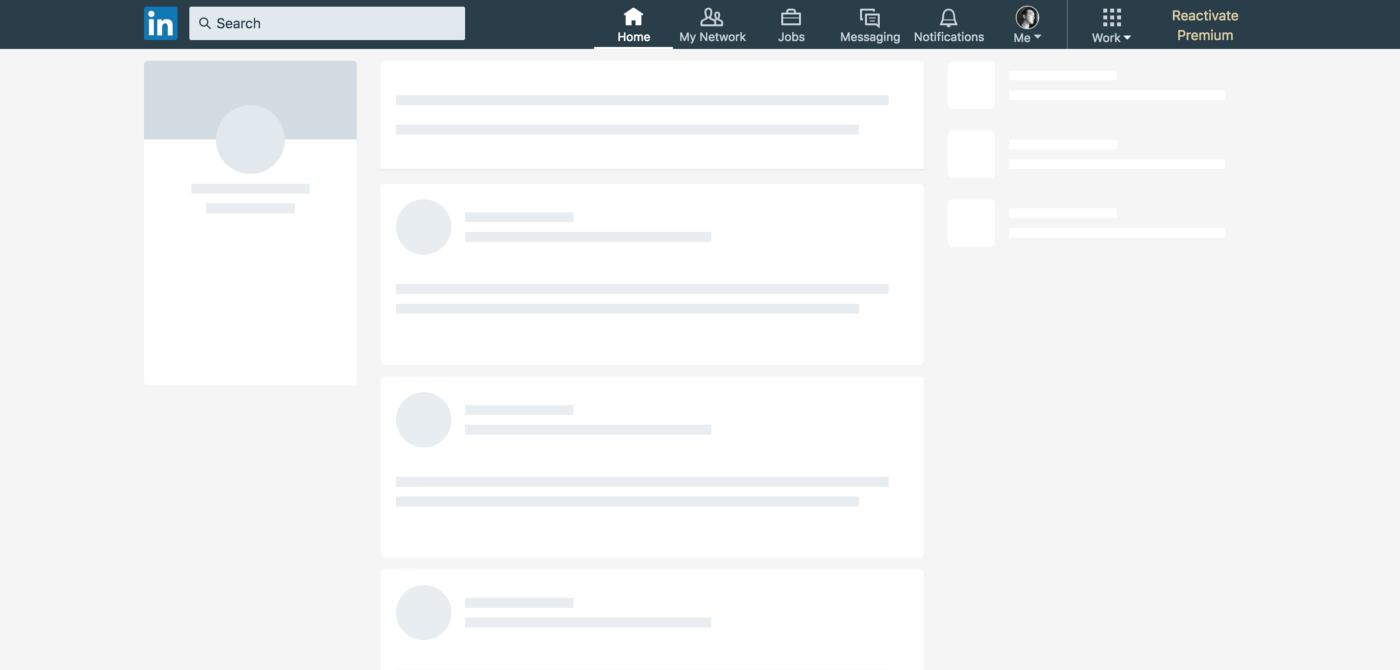
3. The skeletal screen (perceived performance)
- Best for: Pages with a lot of content (dashboards, feeds, articles).
- Psychology: “The page is here, we’re just personalizing it for you.” It shifts the mental model from ‘loading’ to ‘populating’.
- The craft: The skeleton should be an accurate, low-fidelity wireframe of the incoming content. A generic gray block is a missed opportunity. A skeleton that mirrors the final layout (text lines, image blocks) creates a powerful illusion of speed, as the user’s mind begins to engage with the structure before the content arrives.
- Example: The feed from LinkedIn or Facebook, which loads the social framework immediately before populating posts.
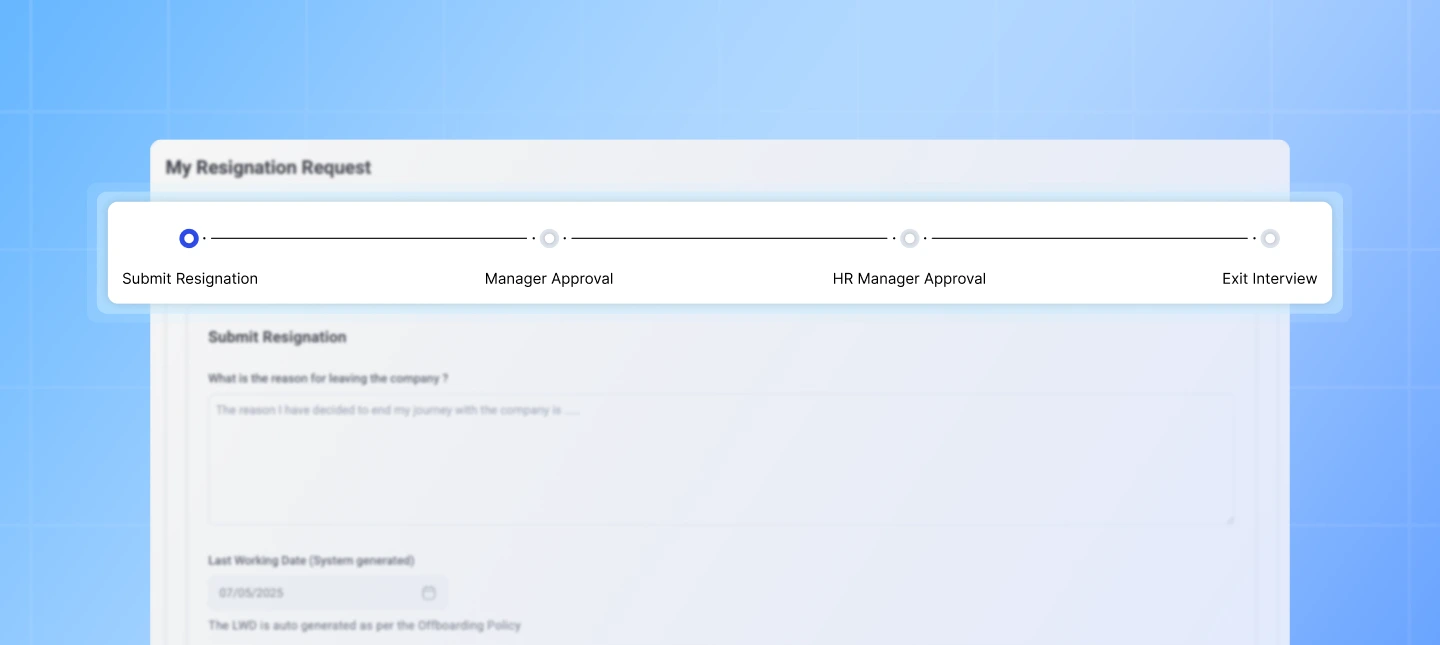
4. The progressive disclosure
- Best for: Complex pages with multiple independent modules.
- Psychology: “We’ll make sure you get useful things as quickly as possible.”
- The craft: Load the core interactive framework first (navigation, header) and then fill it with content in order of priority. A user can often start navigating even while lower priority images are loading. This isn’t just a technical pattern, it’s a design philosophy: prioritize what the user can do Doing beyond what they can do to see.
Advanced tactics: designing the emotional arc of waiting
1. Occupy the mind
Boredom worsens perceived duration. Use animations, microcopies or educational tips to provide distraction.
- Slack’s loading messages: “Reticulating splines…” uses humor to charm.
- A game installer: “Did you know? You can customize your controls in Settings.” This uses trivia to make the wait feel productive.
2. Communicate value
Connect the wait with a valuable result.
- Instead of: “Processing…”
- Attempt: “Apply your custom filters to 10,000 records.” This justifies the wait by emphasizing the magnitude of the task being performed for the user.
3. The promise of completion
Always indicate the end state.
- A progress bar that fills and then a clear ‘Complete!’ finch.
- A skeleton screen where the final image fades out and does not intervene.
- A micro-interaction, such as a satisfying “shhk” sound when a download is complete.
These completion signals provide cognitive closure and tell the user that the system has reached a stable, successful state.
The ethical line: when design deceives
This power brings responsibility. A fast-moving progress bar that artificially increases speed to hide a long wait (a tactic called “false progress”) is a dark pattern. It trades short-term satisfaction for long-term erosion of trust. The goal is to shape perception accuratelynot to make it up.
The principle: waiting is a conversation
Each charging status is a moment of dialogue between your product and your user. A blank screen is silence. A spinner is a polite “one moment please.” A progress bar is a detailed briefing.
By shaping this conversation with empathy, honesty and a touch of craftsmanship, you do more than just fill time. You build a relationship where the user feels respected, informed, and confident that your system is working diligently for him or her. Ultimately, a well-designed wait time doesn’t just feel shorter. It feels like quality.
About the author

#design #waiting #progress #indicators #shape #perception #time #quality