

Microsoft sends the following annual function -update for Windows 11, version 25h2, to the Release Preview channel for testing from today. It is a signal that Windows 11 25h2 will soon arrive at your PC, because September is approaching quickly.
Chances are that you have currently linked the most bits to Windows 11 H2 on your PC. Microsoft maintains both Windows 11 24H2 and Windows 11 25h2 on the same maintenance branch, and the 25H2 update is pushed to your PC as an “enablement package”.
In simpler terms, this means that Microsoft has simply sent the most code in Windows 11 25h2 to your PC, and the only thing to do is to switch on the new, updated functions. The Enablement package is in principle a standard patch, delivered on your PC per Windows update. How large the patch is and how long it takes to install is in principle determined by your habits: if you have kept your PC Up -To date earlier, there is not much code to install and the process should go much faster than the large Windows 11 24h2 up date that took place at the end of last year.
In June Microsoft threw the Windows 11 25h2 update as “as simple as a restart.” It will be rolled out in the “second half of 2025”, Microsoft said then.
Of course there will be bugs – although hopefully with a smaller update they will be minimal. You can always postpone the Windows 11 25H2 update using the “Pause -Uupdates” scheme in Windows Update. That buys you seven weeks until Microsoft forces you to apply new patches, including Windows 11 25h2. Usually there is a small framework of what Microsoft calls ‘seekers’ who get the ‘the latest updates as soon as they are available’, switch in Windows update, and those users first receive Windows 11 25h2.
When should you get Windows 11 25h2? Microsoft’s autumn release usually takes place in September or October. I would expect it to be rolled out in September because it is on the smaller side.
Which new functions are expected in Windows 11 25h2?
Microsoft usually tests various new functions throughout the year in the preview channels of the Canary, DEV, Beta and Release. Microsoft pushes some of these functions out via app -updates; With others it enables them as part of the function update. Here is what we expect from.
Due to Windows 11 25h2, Microsoft should make its start mobile sidebar available for all PCs that connect the PC to an iPhone or preferably an Android telephone. Although that does not remove the application of your phone, it is an easy way to see if you have messages that, for example, have to answer.
Microsoft
Presumably you should be able to resume an app that you started on your Android telephone and can also start it on your PC via the app of your phone.
New category views within the beginning
Likewise Tweak Microsoft The Start Menu to show off different views, such as a new “category” layout. That should appear in Windows 11 25h2, although it is not guaranteed. Both the mobile sidebar and the new category views must be adjustable via the Personalization> Start Menu in Windows settings.
Improved settings page
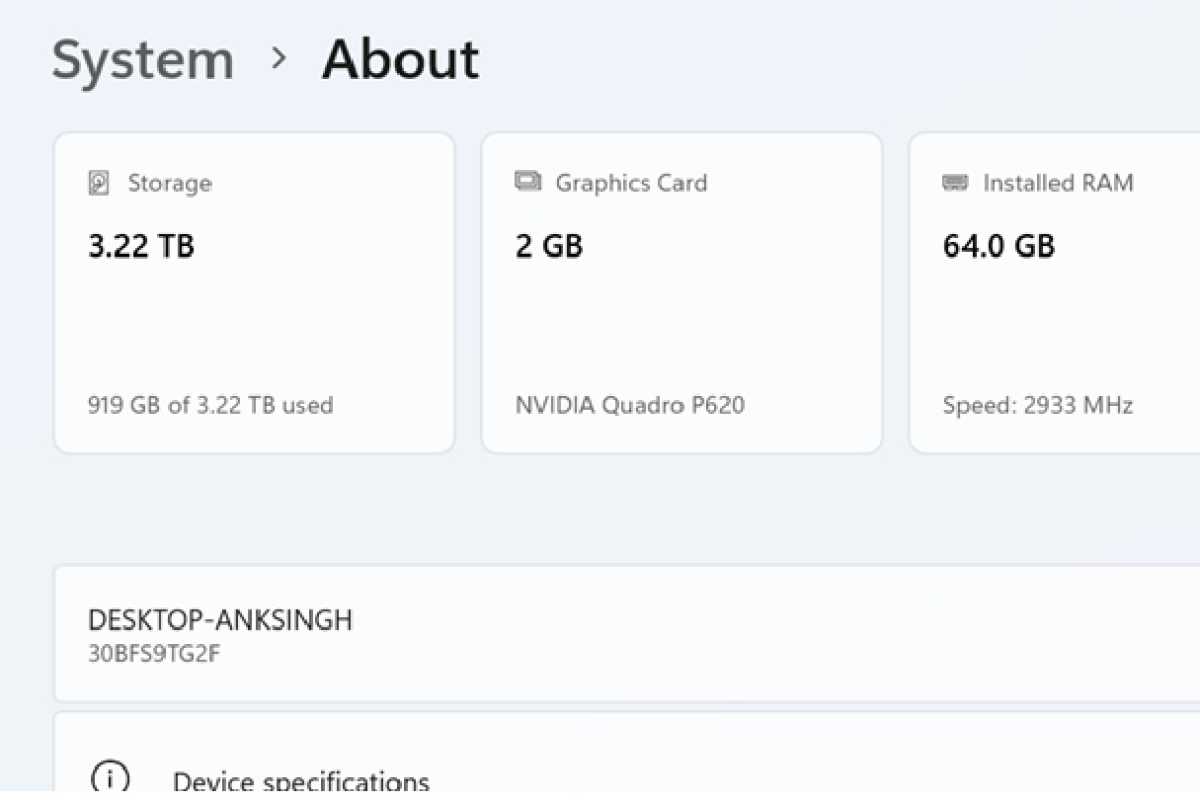
Microsoft has shown an improved settings page with “maps” that shows off the highlights of your system at the very top. Microsoft added this earlier this year via the 25h2 release schedule, so it should also be available this fall. Similarly, the “smarter” settings must respond to questions with AI.
Microsoft
Semantic search
Microsoft unveiled semantic search in the 25h2 Canary Channel earlier in August. In essence, you can search for a file using its characteristics (“the presentation that I gave to the city council”) without knowing the exact file name.
Fast recovery of the machine
A change under the hurry, quick recovery of the machine should facilitate problems when your computer crashes. Instead of putting the responsibility on you to solve your own problems, QMR claims to do the solution on the Microsoft servers and to apply it yourself.
Click-to-do improvements
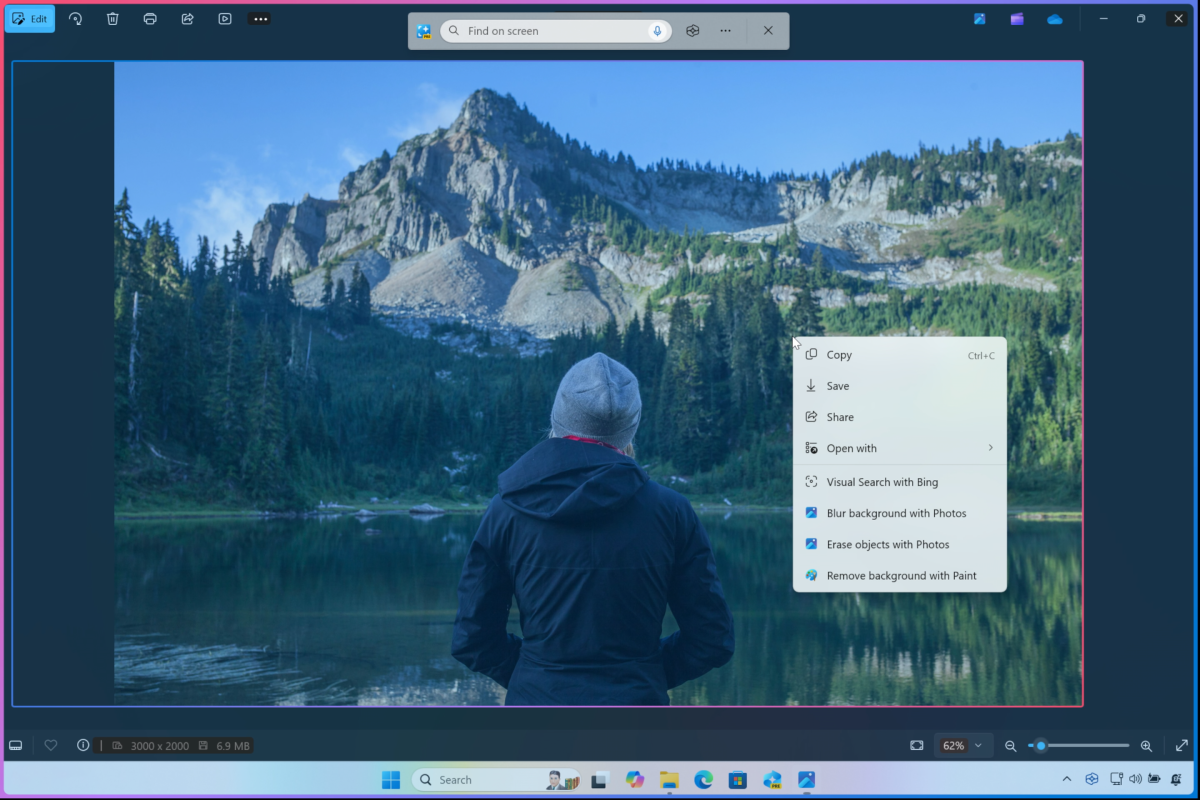
Microsoft also adds new contextual functions to click-to-do, such as describing an image or converting a table to excel, with just a right-hand click of the mouse.
Microsoft
#annual #25h2 #update #Windows #enters #preview #phase