

5 Free Design Tools Every Designer Should Bookmark
The design world has never been so accessible. A few years ago, producing professional-quality images meant investing in expensive software licenses and powerful hardware. Today, that barrier has all but disappeared. A growing number of free tools now offer capabilities that rival their premium counterparts, making it possible for anyone to create polished, high-quality work without spending a dime.
Whether you’re a freelance graphic designer, a UX/UI specialist, or someone just starting to explore the creative field, having the right tools bookmarked can make a big difference. The five tools below cover a wide range of design needs, from AI image generation to full product design, and each of them has a really useful free tier.
1. Pixa: AI image generation made easy
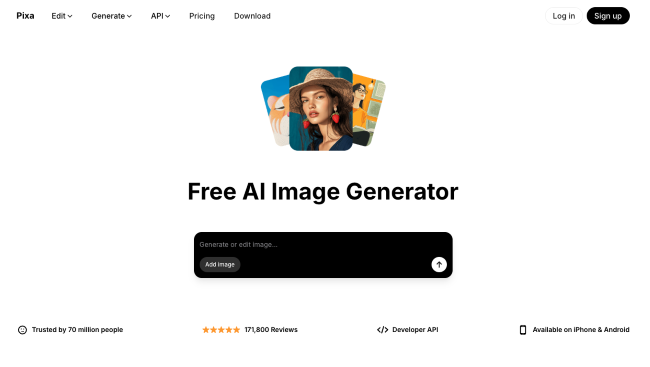
AI image generation has gone from a novelty to a practical creative resource in a remarkably short time. Pixa’s image generator is one of the tools leading this shift, offering an easy way to generate original images from text prompts.
For designers, the appeal is obvious. Need a quick concept image for a mood board? A unique background for a social media post? A placeholder visual while a project is still in the idea phase? Pixa can handle all this without having to browse through stock photo libraries or fire up a complex editing package.
The tool is especially useful for solo designers and small teams who need to move quickly and produce a large amount of visual content. Rather than replacing the creative process, it acts as a springboard, giving you raw material to refine and build upon.
2. Canva: The Universal Design Workhorse
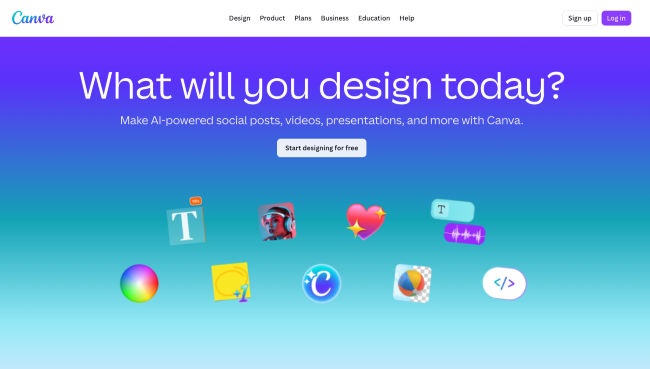
It’s hard to talk about free design tools without mentioning Canva. The platform has become something of an industry standard for fast, template-driven design, and for good reason.
Canva’s free tier gives you access to thousands of templates for virtually every size imaginable:
- Posts and stories on social media
- Presentations and pitch decks
- Posters, flyers and infographics
- Logos and branding kits
Thanks to the drag-and-drop interface, you don’t need years of design training to produce something that looks polished and professional. At the same time, experienced designers can use it as a rapid prototyping tool or as a way to hand off editable templates to non-designer colleagues. Canva also includes a growing suite of AI features, including an AI logo generator and text-to-image tools, that continue to increase its usability.
3. Figma: collaborative design at its best
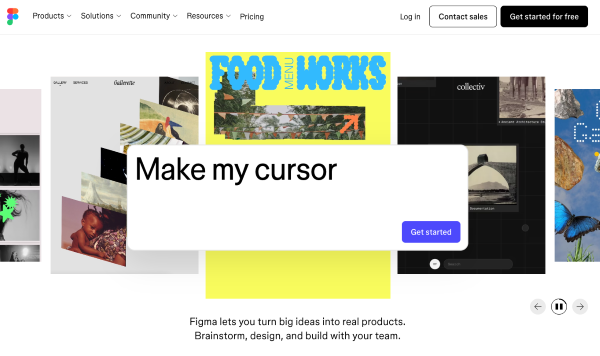
If your work involves UI/UX design, web design, or any form of product design, Figma is probably already on your radar. It’s a browser-based design tool built from the ground up for real-time collaboration, and the free plan is generous enough to be really useful for individuals and small teams.
What sets Figma apart is its seamless integration of design and feedback into a single workspace. Multiple team members can work on the same file at the same time, leaving comments and iterating on designs without the usual back and forth of exporting files and sending emails. It also supports prototyping, so you can build interactive mockups and test user flows without leaving the platform.
For designers who work closely with developers, Figma’s inspection and transfer features help bridge the gap between design and code, reducing miscommunication and speeding up the development process.
4. VistaCreate: Templates with a creative touch
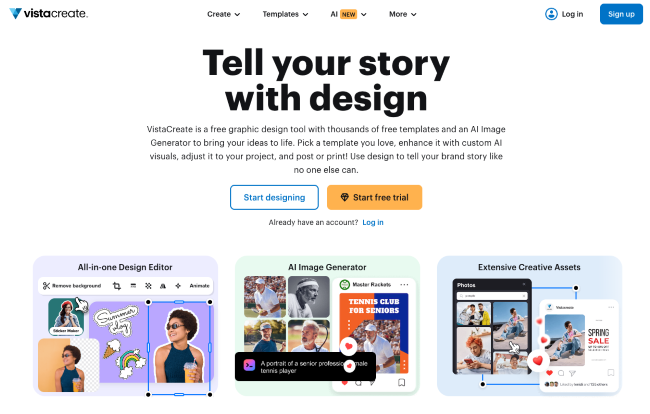
VistaCreate takes up a similar space as Canva, but brings its own strengths to the table. The platform offers a large library of templates, stock photos, videos and animations, all accessible through a clean and intuitive editor.
Where VistaCreate really shines is in its options for animated and video content. Creating short animated posts or video ads for social media is surprisingly easy, and the results look much more polished than you’d expect from a free tool. This makes it a good choice for designers and marketers who want to produce eye-catching animated content on a budget.
The free plan includes access to a solid selection of design assets, and the overall experience is so smooth that it deserves a permanent spot in your bookmarks alongside the bigger names.
5. CorelDRAW.app: vector design in the browser
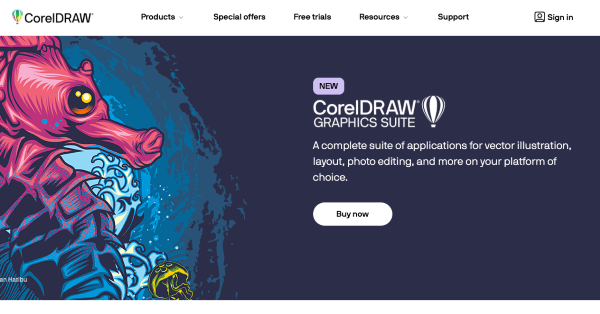
CorelDRAW.app brings the power of vector design to your browser without having to download or install it. For designers who need to create or edit vector graphics on the go, this is a remarkably capable option.
The tool supports core vector editing features such as node editing, text manipulation, and object alignment, making it suitable for tasks like logo design, icon creation, and illustration work. It’s not a complete replacement for the CorelDRAW desktop suite, but it covers enough ground to be really useful for quick edits and lighter projects.
Having a browser-based vector editor bookmarked is one of those things you think you don’t need until you suddenly do. Whether you’re working from a borrowed laptop or tablet, or just want to avoid the overhead associated with launching a full desktop application, CorelDRAW.app fills this gap nicely.
Final thoughts
You don’t need a wall of expensive software licenses to do great design work. The tools available for free today would have been unthinkable even a decade ago, and they continue to improve rapidly. If you haven’t already, take a few minutes to explore Pixa, Canva, Figma, VistaCreate, and CorelDRAW.app. Bookmark the ones that fit your workflow, experiment with the ones that don’t, and remember that every designer’s most important tool is still their own creativity.
#Free #Design #Tools #Designer #Bookmark #Designbeep