

The New Tab page in Chrome is the digital equivalent of a blank stare. A white void. Nothing, and enough.
Why do we settle for this? Your browser’s homepage is the most valuable real estate on your computer. It’s the first thing you see!
Instead of looking at an empty room, you could look at a command center. Here are five Chrome extensions that turn that boring home screen into something useful.
Momentum
If you want your browser to feel less like a software application and more like a luxury wellness retreat, Momentum is the gold standard.
Each day you will be greeted with a beautiful high-resolution landscape photo and a simple question about your main focus for the day.
It’s minimalism that works, where you keep a single to-do list and focus on your primary goal so you don’t forget what you actually sat down to do.
Hello
If Momentum feels a little too inspiring, Hello is the lightweight, open-source alternative built for speed and clean lines.
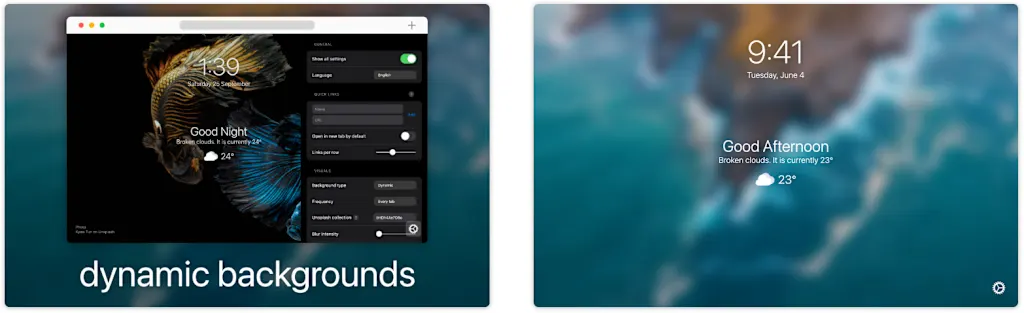
It’s a minimalist’s dream, with transparency, clean fonts and no bloat. You can even customize the CSS if you’re willing to delve into the code a bit, but most people will appreciate that it loads almost instantly, looks beautiful while still offering enough flexibility to use whatever niche search engine they’re currently experimenting with.
Present board
Maybe you don’t want a nice photo; maybe you want data.
Present board is a hidden gem that treats your New Tab page as a literal dashboard, using a grid-based system where you can place widgets for Google Calendar events, the latest emails, stock quotes, and custom RSS feeds.
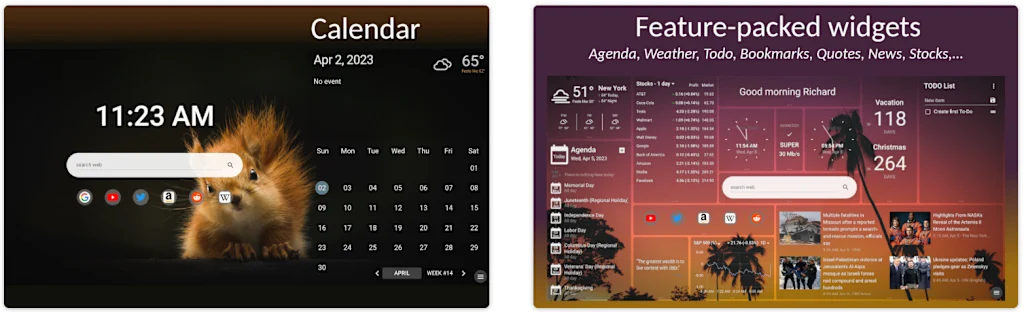
It’s for the person who wants to see their entire digital life at a glance before even typing a single URL. You can resize boxes and move them around until the layout is exactly the way your brain wants it, turning your browser into a functional workstation rather than just a window to the Internet.
Dashy
For those who have 14 apps open to manage their lives: Dashy acts as a “mega dashboard” that allows you to pin functioning widgets directly to your homepage.
We’re talking full integrations where you can view your calendar, scroll through a Reddit feed, and manage Todoist tasks without ever leaving the New Tab screen.
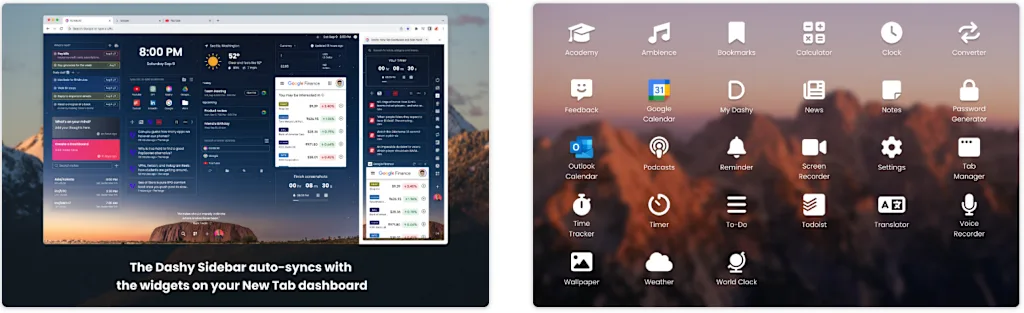
It even allows for custom profiles, so you can switch between a ‘Work Mode’ filled with Slack widgets and a ‘Weekend Mode’ dominated by Spotify and news feeds. It’s the closest we’ve come to making Chrome its own operating system.
This is for serious dashboard connoisseurs: the free version offers basic widgets and integration with popular websites, while the $5 per month paid version offers unlimited widget access, a side panel, custom website embeds, and more.
Tabliss
If you’re tired of extensions that lock the best features behind a monthly subscription, Tabliss is the open source hero you need.
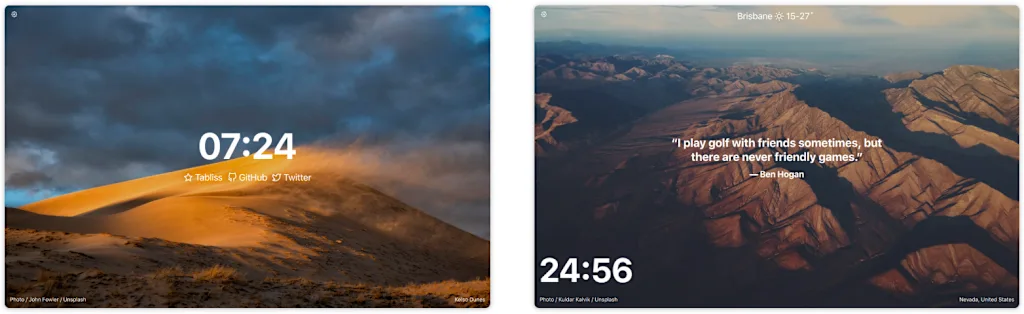
It’s completely free, respects your privacy, and offers a huge library of wallpapers from Unsplash and Giphy.
It sits comfortably between beauty and simplicity and offers unique widgets such as a “Working Hours” countdown or live sports scores. It’s highly modular and even includes a binary clock for the really dedicated nerds who normally find reading time way too easy.
#Chrome #Dashboard #Extensions #Homepage